

Content
# SPA — Aseprite Automation for AI Agents
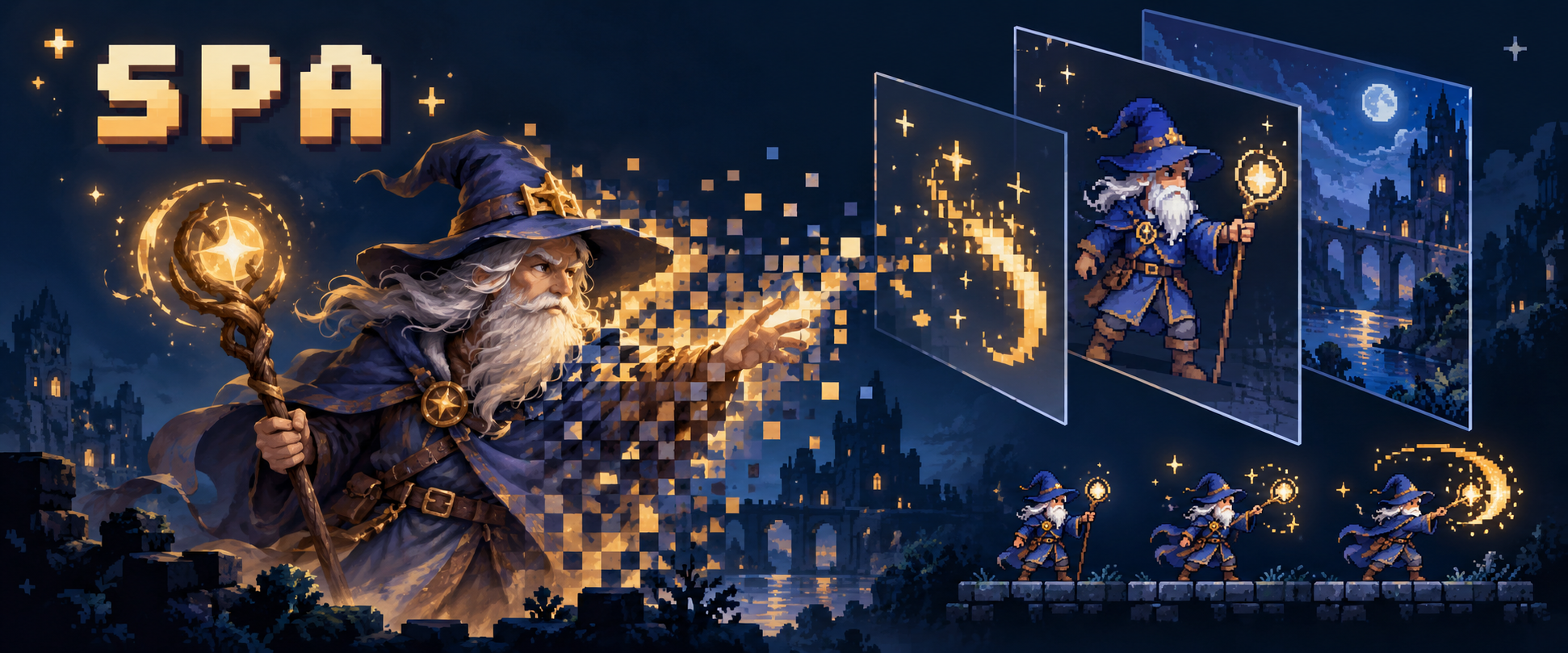
**Create, edit, validate, and export pixel art and sprite animations with AI agents.**
SPA brings Aseprite to your agent workflows through a CLI, Agent Skill, or MCP server.
Keep editable `.aseprite` sources and deliver PNGs, GIFs, sprite sheets, and tile assets.
[](https://github.com/aigengame/aseprite-automation/actions/workflows/ci.yml?query=branch%3Amain+event%3Apush)
[](https://pypi.org/project/aseprite-automation/)
[](https://www.python.org/)
[](#choose-your-integration)
[Quick start](#quick-start) · [Usage guide](https://github.com/aigengame/aseprite-automation/blob/main/docs/usage.md) ·
[Examples](#examples) · [MCP setup](https://github.com/aigengame/aseprite-automation/blob/main/docs/mcp.md)
## TL;DR
Tell your AI agent:
> Read the SPA Skill, check my installed SPA and Aseprite, and create a small pixel art
> animation. Keep the editable `.aseprite` source, validate its frames and timing,
> export a sprite sheet, and show me the result before calling it done.
New to SPA? Follow [Installation](#installation), then
[install the Skill](#agent-skill) for your agent. The same work can also use the CLI
directly or an MCP client.
## Contents
- [Why SPA?](#why-spa)
- [What can you build?](#what-can-you-build)
- [Installation](#installation)
- [Quick start](#quick-start)
- [Choose your integration](#choose-your-integration)
- [Examples](#examples)
- [Documentation and support](#documentation-and-support)
- [Contributing](#contributing)
## Why SPA?
- **Keep your assets editable.** Work with native Aseprite layers, frames, cels, and
tags. Retain the source for later revisions alongside exports for your game.
- **Control the animation.** Set frame timing, position, opacity, and motion on
existing cels. Use explicit requests to make repeatable workflow steps.
- **Bring your own artwork.** Prepare external PNGs with palette, transparency,
size, and anchor choices, then import compatible images for animation.
- **Check what changed.** Inspect saved assets, validate expected facts, compare
frames, and preview results. Structured results help agents handle failures.
- **Choose your agent connection.** Use shell commands, reusable Skill guidance,
or an Aseprite MCP server with the same underlying operations.
SPA runs Aseprite in batch mode. You do not need to drive the editor UI for supported
operations. Art direction, visual review, and downstream game integration remain
part of your workflow.
## What can you build?
| Your goal | SPA can help with | Start with |
| --- | --- | --- |
| Create reusable pixel art assets | Sprites, layers, frames, cels, tags, slices, and editable native files | `sprite`, `layer`, `frame`, `cel`, `tag`, `slice` |
| Prepare and edit artwork | PNG preparation and import, image transforms, selections, native paint and filters | `raster`, `image`, `selection`, `paint`, `filter` |
| Animate and inspect motion | Frame timing, cel placement, motion curves, animation checks, frame comparison, previews | `motion`, `animation`, `frame`, `cel` |
| Work with colors and tiles | Palettes, color modes and profiles, keyed tiles, tilesets, and tilemap regions | `palette`, `sprite`, `tileset`, `tilemap` |
| Deliver assets to a game | PNG images, GIFs, PNG sequences, sprite sheets with JSON, and tileset/map exports | `export` |
| Automate a sequence of edits | Supported edits to one sprite, checked before one final save | `plan check`, `plan run` |
Use `spa --help` and each command's `--schema` for your installation.
`spa info` checks your Aseprite runtime; `spa schema` also reports unavailable
native capabilities.
## Installation
You need **Python 3.13+**, [uv](https://docs.astral.sh/uv/getting-started/installation/),
and a separate [Aseprite installation](https://www.aseprite.org/). SPA does not bundle
the Aseprite executable.
The [PyPI package](https://pypi.org/project/aseprite-automation/) is
**`aseprite-automation`**; the command is **`spa`**.
### Install from PyPI
```sh
uv tool install --python 3.13 aseprite-automation
spa version
```
Update an existing installation with `uv tool upgrade aseprite-automation`.
For MCP, install the optional extra:
`uv tool install --python 3.13 'aseprite-automation[mcp]'`.
If `spa` is not on `PATH`, run `uv tool update-shell` and open a new shell.
You can also install a wheel from a
[GitHub Release](https://github.com/aigengame/aseprite-automation/releases) with
`uv tool install --python 3.13 /absolute/path/to/the-wheel.whl`.
### Install the current development version
Install [Git LFS](https://git-lfs.com/), then run:
```sh
git clone --branch dev https://github.com/aigengame/aseprite-automation.git
cd aseprite-automation
git lfs install
git lfs pull
uv tool install --python 3.13 .
spa version
```
Git LFS retrieves the native probe fixtures and example assets. The development
branch may include capabilities that are not in the latest release.
For source development, use `uv sync` and `uv run spa`; see the
[usage guide](https://github.com/aigengame/aseprite-automation/blob/main/docs/usage.md).
## Quick start
Point SPA at your Aseprite executable. On macOS, use the binary inside
`Aseprite.app/Contents/MacOS/`, rather than the `.app` directory.
```sh
export SPA_ASEPRITE_EXECUTABLE="/absolute/path/to/aseprite"
spa info
```
Use a new working directory for these commands. They create a 32×32 sprite, draw a
purple disk on a transparent layer, export a PNG, and check the saved dimensions.
Existing destinations are refused.
**1. Create an editable source.**
```sh
spa sprite create --input-json '{
"target_sprite_file":"canvas.aseprite","overwrite":false,
"width":32,"height":32,"color_mode":"rgb",
"initial_layer":{"kind":"transparent"}
}'
```
**2. Draw on the first layer and frame.**
```sh
spa paint ellipse --input-json '{
"source_sprite_file":"canvas.aseprite","target_sprite_file":"orb.aseprite",
"in_place":false,"overwrite":false,
"target":{"layer":{"layer_path":[1]},"frame_number":1},
"coordinate_space":"image-pixel",
"bounds":{"x":8,"y":8,"width":16,"height":16},"style":"filled",
"brush":{"kind":"circle","size":1},
"color":{"kind":"rgba","red":166,"green":104,"blue":255,"alpha":255},
"ink":"simple","opacity":255
}'
```
**3. Export the image.**
```sh
spa export image --input-json '{
"source_sprite_file":"orb.aseprite",
"destination":{"path":"orb.png","if_exists":"fail"},"frame_number":1,
"export_image_area":{"kind":"canvas"},"layer_composition":{"mode":"visible"},
"composition_color_mode":"rgb","color_mode":"preserve",
"color_profile":"preserve","transparency":"preserve"
}'
```
**4. Check the saved source and view `orb.png`.**
```sh
spa sprite validate --input-json '{
"sprite_file":"orb.aseprite",
"expected":{"width":32,"height":32,"color_mode":"rgb","frame_count":1}
}'
```
Commands return JSON by default; add `--human` for readable output. For validation,
check `valid`, `checks`, and `findings`: `status: success` means the check ran.
Visual quality still needs a look at the exported image.
Continue with the [usage guide](https://github.com/aigengame/aseprite-automation/blob/main/docs/usage.md)
for animation, import, paint, color, tile, and export recipes. Use `--help` and
`--schema` to discover fields without guessing.
## Choose your integration
| Access path | Best for | Entry point |
| --- | --- | --- |
| **CLI** | Agents that run shell commands, scripts, and asset pipelines | `spa --help` |
| **Agent Skill** | Agents that need reusable guidance for the create–verify–export loop | [SPA Skill](https://github.com/aigengame/aseprite-automation/blob/main/skills/spa/SKILL.md) |
| **MCP** | Clients that discover and call tools, with exported PNGs shown as image content | [MCP setup](https://github.com/aigengame/aseprite-automation/blob/main/docs/mcp.md) |
### Agent Skill
From your consuming project, install the Skill with the
[Skills CLI](https://github.com/vercel-labs/skills). Node/npm is required.
```sh
npx skills add aigengame/aseprite-automation --skill spa
```
For a local development checkout, use:
```sh
npx skills add /absolute/path/to/aseprite-automation --skill spa
```
The Skills CLI manages installation and updates. The Skill reads the installed
SPA help and schemas. It does not install SPA or Aseprite and does not add a
separate compatibility or version manager.
### MCP
Install the optional `mcp` extra as shown in [Installation](#installation), then
configure your client to launch the installed `spa-mcp` executable. Follow
[MCP setup](https://github.com/aigengame/aseprite-automation/blob/main/docs/mcp.md) for the stdio configuration.
Normal CLI use does not need the MCP extra. The MCP server uses the same operations
and results; it does not keep an active sprite between calls.
## Examples
[](https://github.com/aigengame/aseprite-automation/blob/main/examples/wizard_cast_v2/README.md)
*Moonlit Spell Practice v2: imagegen artwork, Python motion assembly, and SPA animation
and export. This preview uses exported PNG frames; the example also includes a playable
Godot project.*
Both wizard examples keep editable Aseprite sources and exported components.
Their Godot projects use those assets for a spell-timing game: cast at a moving
target, complete a round, and replay.
| Example | Workflow | What to inspect |
| --- | --- | --- |
| [Wizard v1](https://github.com/aigengame/aseprite-automation/blob/main/examples/wizard_cast/README.md) | Procedural pixel and pose sampling → SPA → Godot | A 128×96 scene, a 32-frame loop, reusable components, and a playable consumer |
| [Wizard v2](https://github.com/aigengame/aseprite-automation/blob/main/examples/wizard_cast_v2/README.md) | imagegen concepts and key poses → preparation and motion assembly → SPA → Godot | A 384×288 scene, seven editable `.aseprite` assets, exported PNG components, and a playable consumer |
SPA authors and exports the animation; imagegen supplies v2's initial artwork.
[gda](https://github.com/aigengame/godot-agent) handles Godot verification.
Each example records its preparation choices, validation evidence, and dogfooding feedback.
You can inspect the committed assets or open the Godot project without rebuilding
all assets. Full rebuilds are optional local checks; see each example's instructions
and [testing guide](https://github.com/aigengame/aseprite-automation/blob/main/docs/testing.md).
## Documentation and support
- [Usage guide](https://github.com/aigengame/aseprite-automation/blob/main/docs/usage.md) — recipes, runtime configuration, output handling, and current limits.
- [Sprite sheet export](https://github.com/aigengame/aseprite-automation/blob/main/docs/sprite-sheets.md) — layouts, trimming, colors, and metadata.
- [MCP setup](https://github.com/aigengame/aseprite-automation/blob/main/docs/mcp.md) — installation and client configuration.
- [Issues](https://github.com/aigengame/aseprite-automation/issues) — report a problem or request a capability.
- [Milestones](https://github.com/aigengame/aseprite-automation/milestones) — planned work and delivery progress.
- [Aseprite documentation](https://www.aseprite.org/docs/) — the editor, file formats, and native behavior.
When reporting a problem, include `spa version`, `spa info`, a minimal request,
and the returned error. Attach a small reproducible asset when you can share it.
## Contributing
Start with [testing](https://github.com/aigengame/aseprite-automation/blob/main/docs/testing.md),
[architecture](https://github.com/aigengame/aseprite-automation/blob/main/ARCHITECTURE.md),
and the [domain model](https://github.com/aigengame/aseprite-automation/blob/main/CONTEXT.md).
The [authority matrix](https://github.com/aigengame/aseprite-automation/blob/main/AUTHORITY_MATRIX.md) routes product and implementation decisions.
SPA-owned code and documentation use the
[MIT license](https://github.com/aigengame/aseprite-automation/blob/main/LICENSE).
Bundled third-party resources have their own
[notices](https://github.com/aigengame/aseprite-automation/blob/main/THIRD_PARTY_NOTICES.md).
Aseprite is a separate product with its own [license](https://www.aseprite.org/faq/#is-aseprite-free).
Connection Info
You Might Also Like
No recommendations available